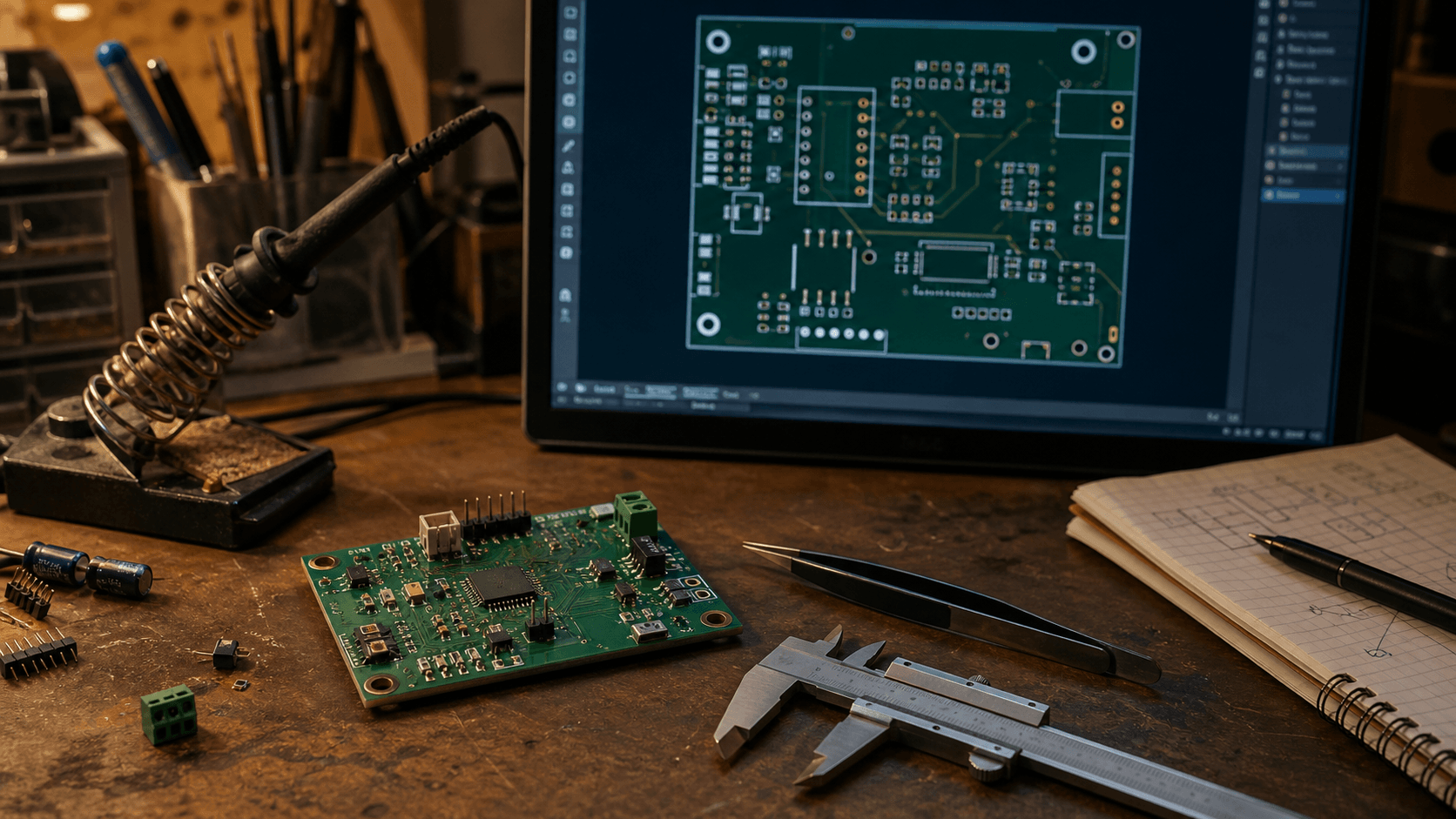
Hey, I made a thing.
It is called Kobee Studio: a small, open-source KiCad plugin for making editable PCB labels, icons, pin-header overlays, QR codes and other board artwork without bouncing out to another app. Everything it makes stays as ordinary editable KiCad geometry, which was the whole point.
It began as one of those practical “I wish this did one more thing” projects. I kept needing decent-looking labels, clear pin names, little symbols and machine-readable things on boards, and I wanted to make them quickly without turning a PCB into a pile of imported artwork.
A bit of credit first
Kobee Studio started as a fork of KiBuzzard, made by Greg Davill. KiBuzzard was the thing that got me thinking about PCB lettering as something you could actually enjoy doing, rather than putting up with whatever tools happened to be around.
This is not me claiming I invented the idea. KiBuzzard did the important bit: it made it possible to turn text into useful PCB artwork. I kept running into things I wanted to change, and the list became long enough that it turned into its own project.
Why I started pulling it apart
I was using KiBuzzard for my own boards and kept wanting more control over the result. Sometimes I wanted a label with a proper shape around it. Sometimes I wanted a quick icon or a pin-header overlay. Sometimes I wanted to put a QR code on a board without leaving KiCad to make it.
At some point I realised I was spending more time thinking about how to extend KiBuzzard than actually using it. That is usually a pretty good sign that a side project is trying to become a different side project.
What it can make
At the moment it can make parametric labels, PCB-safe icons, component callouts, pin-header overlays, QR codes, Code 128 barcodes and the little bits of board artwork that are always annoying to recreate. You can put them on silkscreen, copper or mask, front or back, then keep editing them later in KiCad.
A few things I have been making with it
I am still very much building it as I use it. Some bits will be rough around the edges, and that is okay. The useful thing about doing this in the open is that somebody else usually spots the weird board, workflow or missing option that I have not thought of yet.
Have a look and tell me what is missing
The source, releases and issue tracker are public. If you used KiBuzzard—or just make a lot of PCB labels—I’d genuinely like to know what would make your board workflow nicer. Board examples, bug reports, documentation fixes and code contributions are all welcome.