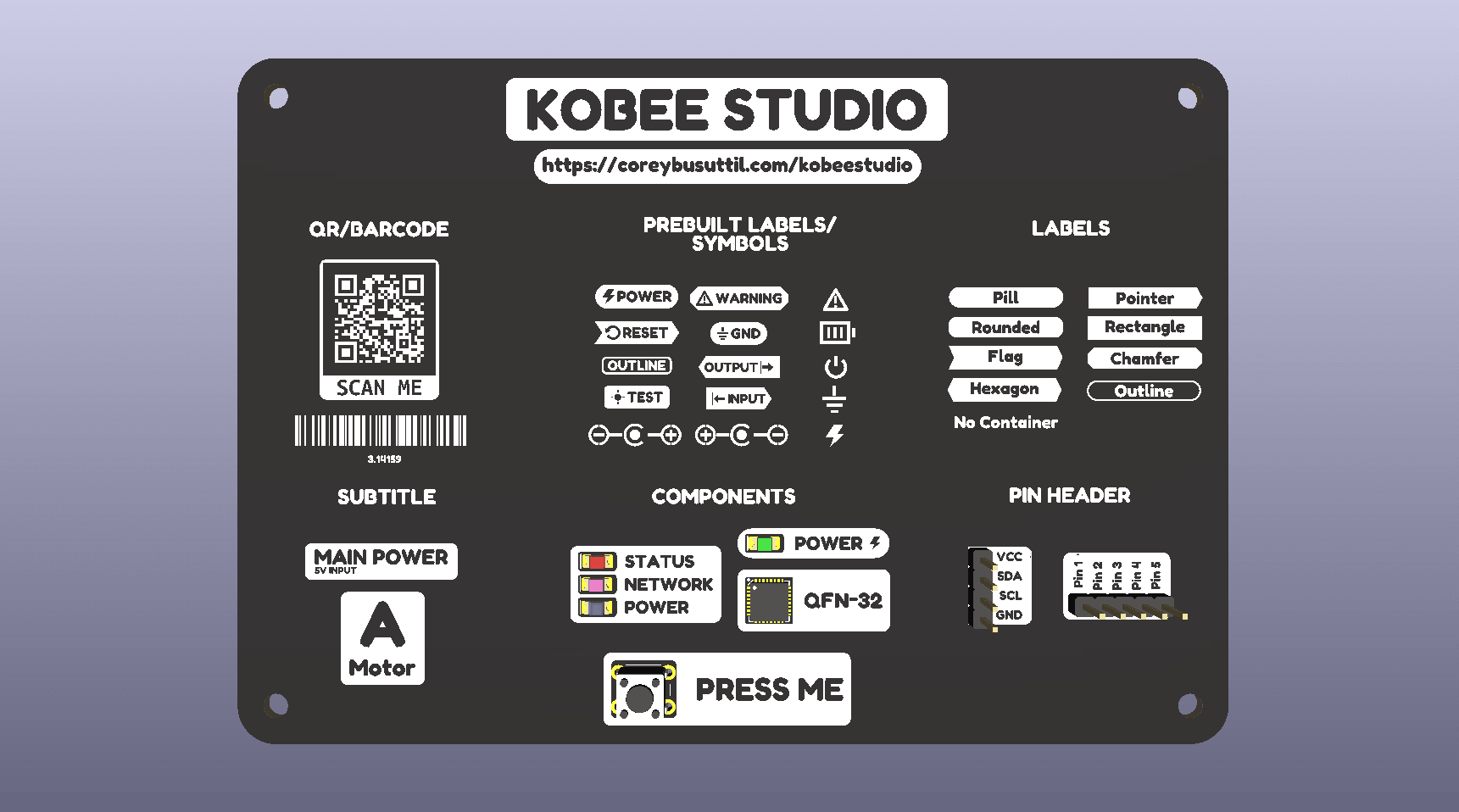
Kobee Studio is developed in public. Contributions are welcome when they make PCB artwork clearer, safer to manufacture, easier to edit or easier to test.
Start with a focused issue
Before opening an issue, check the roadmap and existing issues. Include the KiCad version, operating system, Kobee Studio version, a minimal board or screenshot, and the exact steps that reproduce the problem.
Good contribution areas
- Documentation improvements and corrected screenshots.
- Regression fixtures for labels, icons, layers, headers, QR codes and barcodes.
- Cross-platform fixes with a short compatibility note.
- Manufacturing-aware validation and clearer error messages.
- Small, testable improvements to the editor workflow.
Keep artwork editable
New tools should emit ordinary KiCad geometry with understandable settings. Avoid shortcuts that only work in the preview or that hide important layer and clearance decisions from the designer.
Licensing and attribution
Read the repository's licence and third-party notices before contributing code, fonts, icons or artwork. Keep attribution with any reused upstream material.